productsfour ways to use malaika.
Each product is a working part of the same platform. Start with one and keep the people, files, and outputs connected.
01ai + education
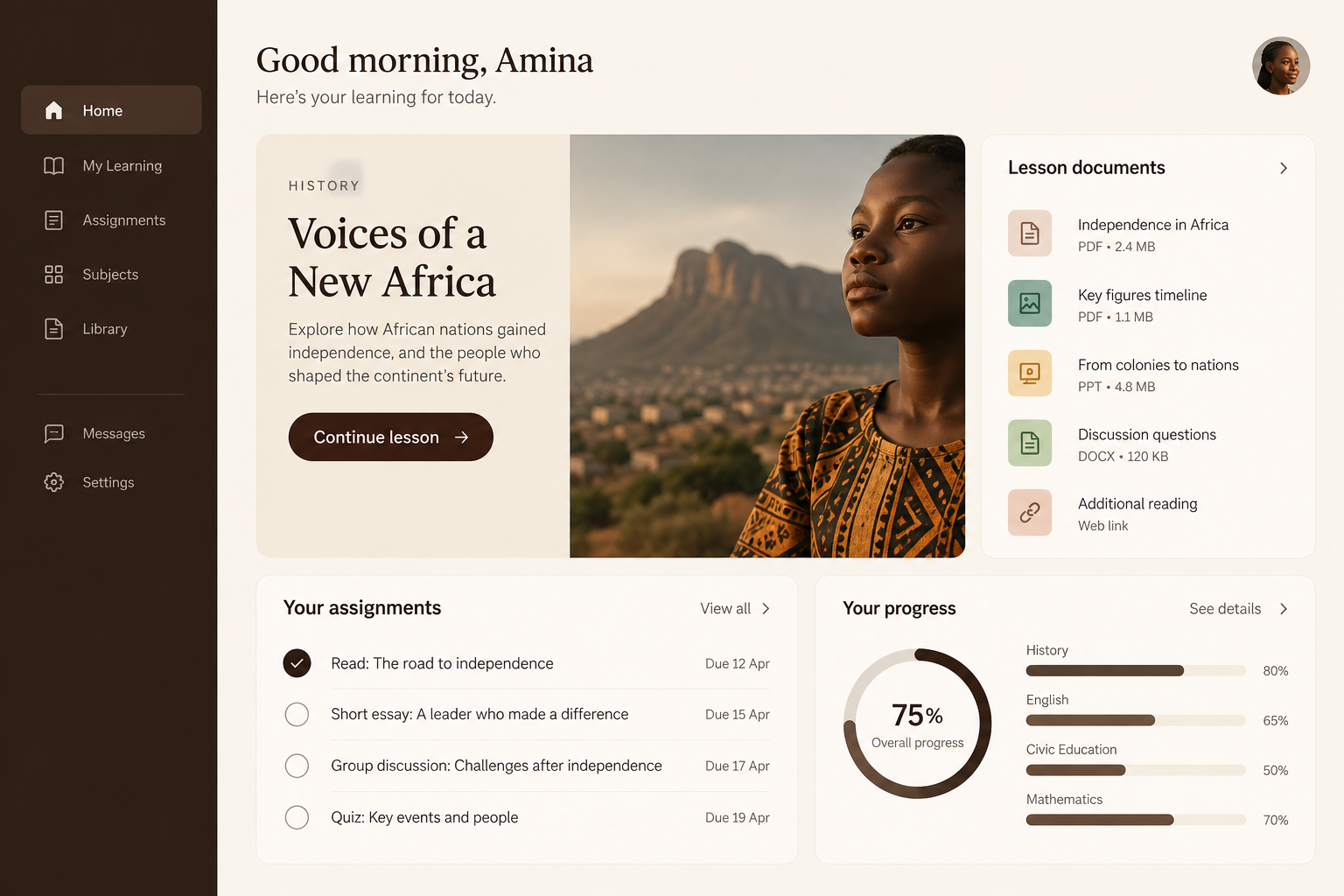
learn
Plan lessons, answer questions, review sources, and help learners make stronger work.
- lesson and curriculum planning
- research, writing, and document review
- assignments, feedback, and learner progress
- shared teacher and student workspaces
used by schools, education nonprofits, and community learning programs.
02creative production
make
Turn a brief into writing, images, music, video, animation, and reusable design assets.
- writing coauthor for briefs and stories
- image, video, animation, and music tools
- review, approvals, and saved outputs
- shared libraries for campaigns and classes
used by schools, nonprofits, and social enterprises making public-facing work.

03grants + funding
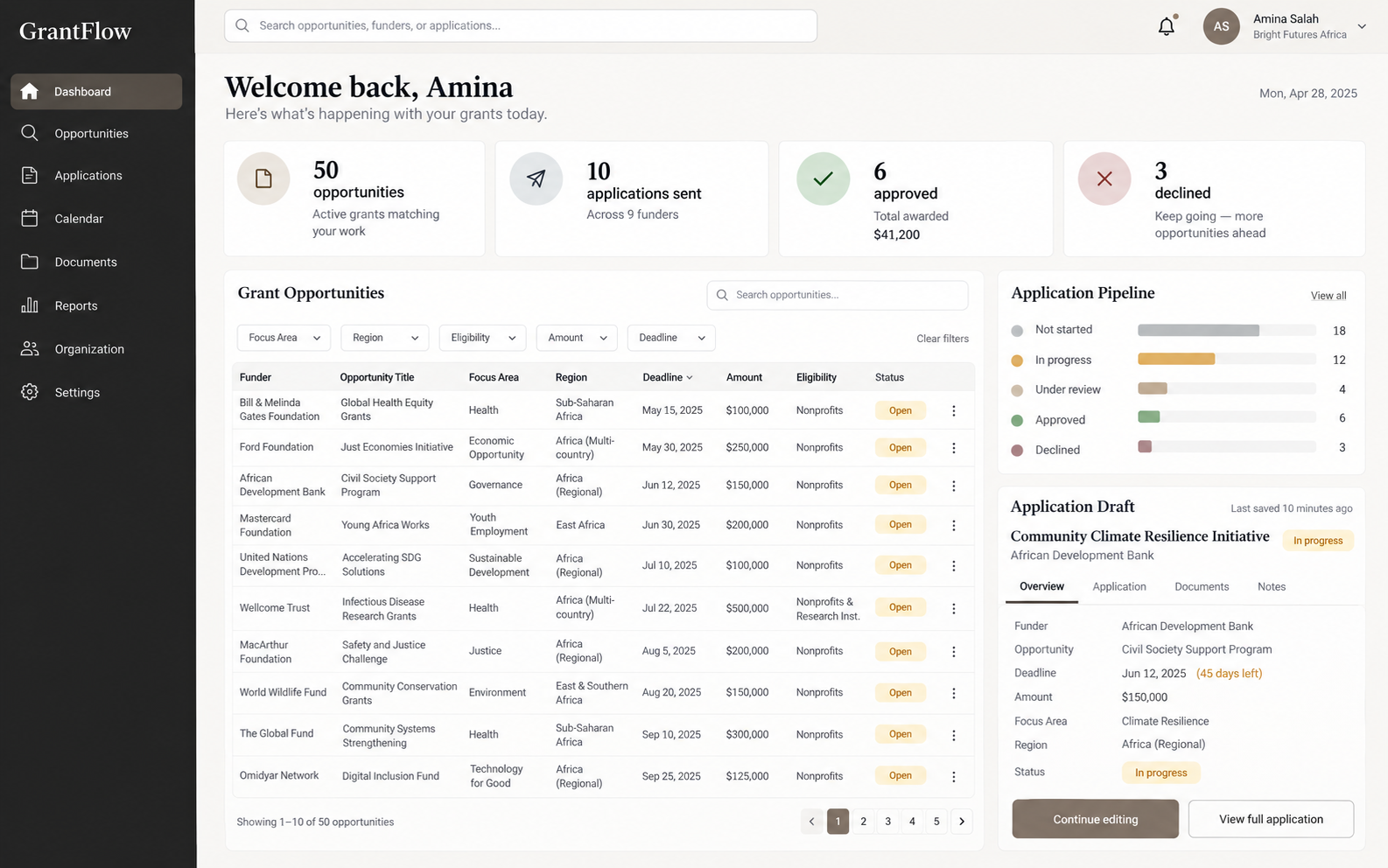
fund
Find opportunities, shape applications, and keep the funding pipeline visible from search to decision.
- opportunity search and fit notes
- application briefs, drafts, and source files
- submission status, approvals, and decisions
- budgets, awards, and reporting records
used by nonprofits, schools, and community organizations pursuing program funding.
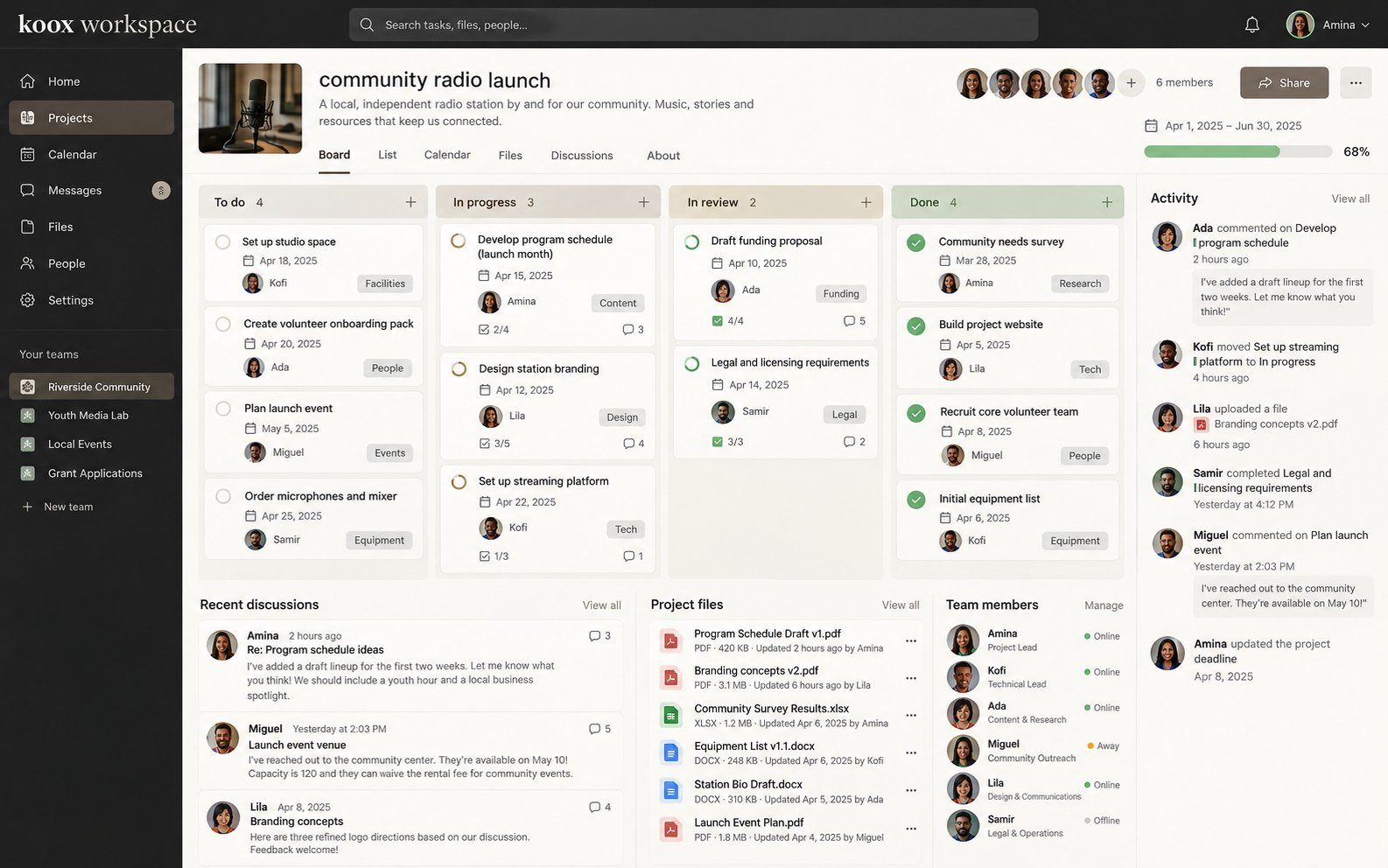
04organization + teamwork
work together
Keep teams, projects, files, permissions, and activity connected while work moves forward.
- projects, conversations, briefs, and shared files
- roles, invitations, and approved tools
- activity, assignments, and durable outputs
- Koox coordination and partner services
used by organizations coordinating staff, learners, partners, and delivery.